Halloween Black Cat
Featured example
Product/design input
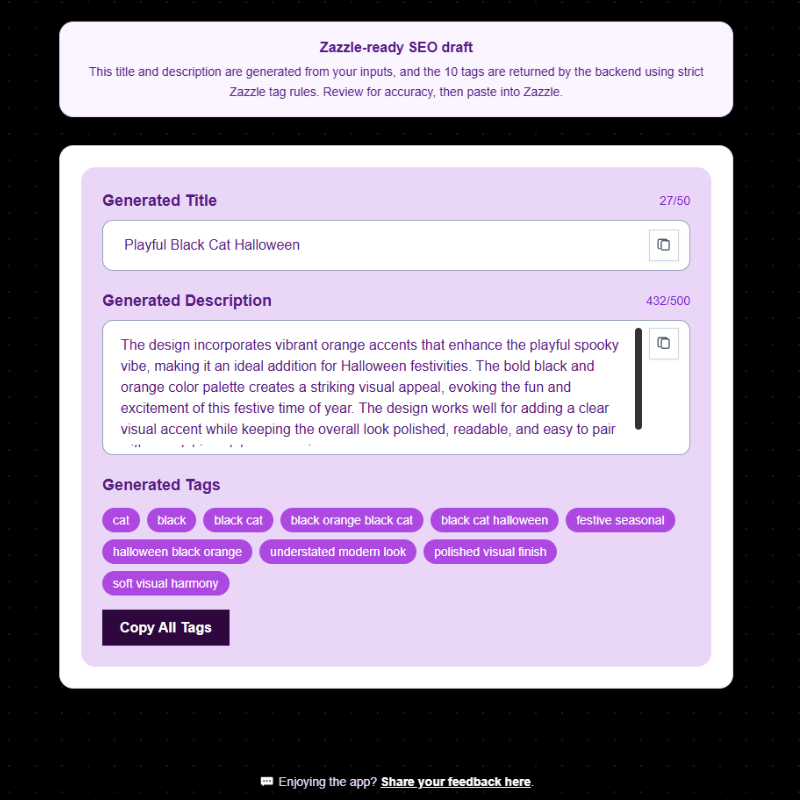
A Halloween design featuring a black cat with seasonal spooky details.
Draft output summary
Content Optimizer Pro can prepare a draft title, a product description, structured tag suggestions, and social caption ideas based on the Halloween black cat theme.
Why this example is useful
This example shows how a clear seasonal design idea can become listing content with motif, occasion, and style context. It helps the seller avoid starting from a blank page and gives them a structured draft to review.
Seller review note
The seller should check that the final title, description, and tag suggestions match the actual artwork, product type, and Zazzle listing settings before using the output.
Christmas Red Floral Wreath
Seasonal holiday example
Product/design input
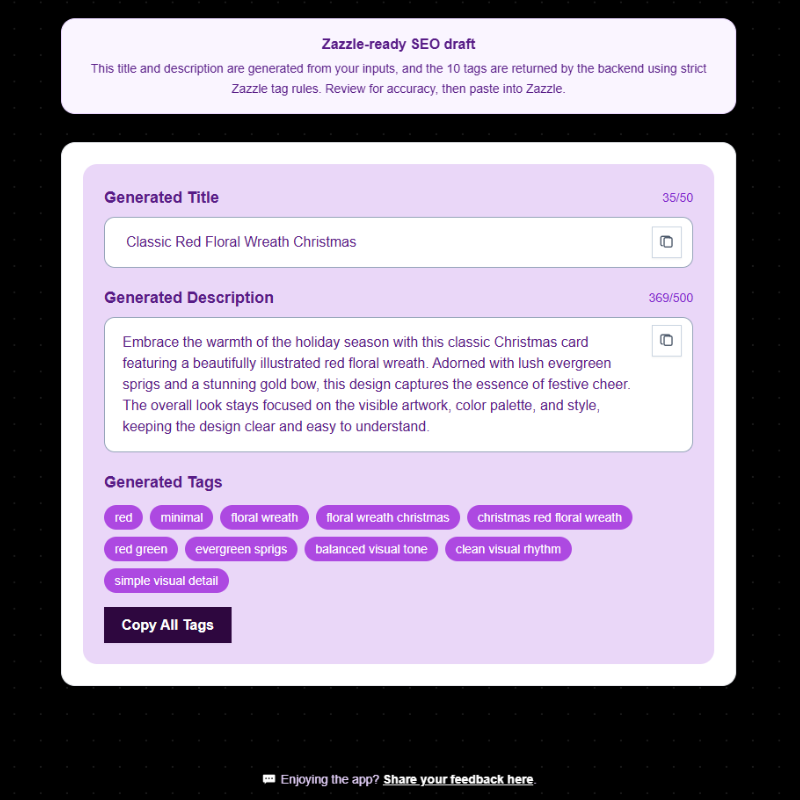
A Christmas design featuring a red floral wreath with festive holiday styling.
Draft output summary
Content Optimizer Pro can prepare draft listing content that reflects the Christmas theme, wreath motif, red floral details, and seasonal context.
Why this example is useful
This example shows how COP can support holiday listing preparation by turning visible design details into a clearer content structure. It is useful for sellers preparing seasonal products who need a repeatable way to draft listing copy.
Seller review note
The seller should review the output for accuracy and remove any wording that does not match the product, artwork, personalization options, or intended listing.
Pastel Goth Lavender Bunny
Niche style example
Product/design input
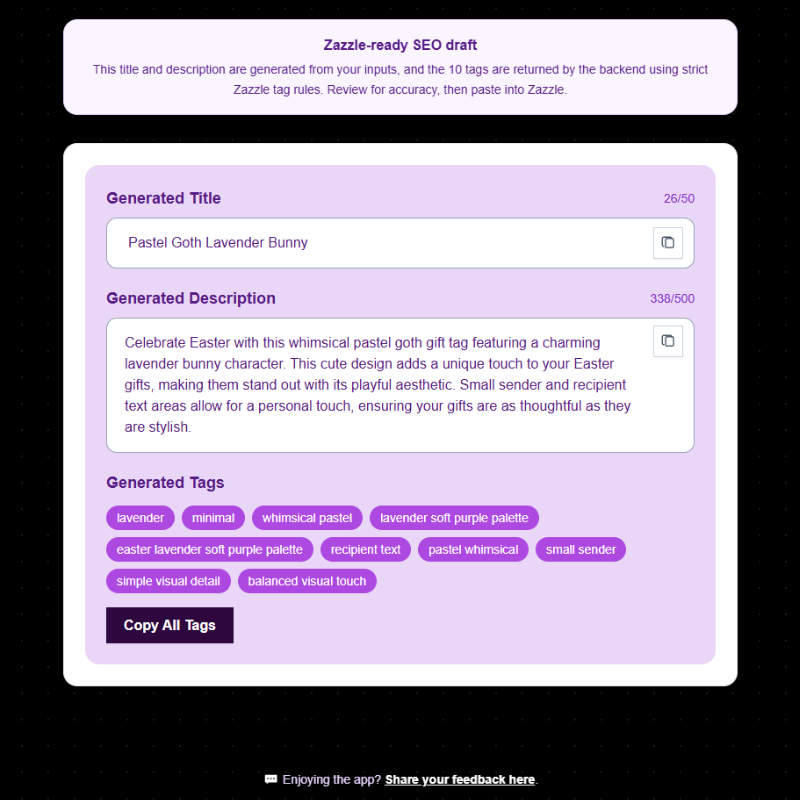
A pastel goth Easter-inspired design featuring a lavender bunny and soft alternative styling.
Draft output summary
Content Optimizer Pro can prepare draft listing content that captures the niche style, visible motif, seasonal context, and design tone.
Why this example is useful
This example shows how COP can support more specific design styles, not only broad holiday themes. It helps the seller turn a niche visual idea into draft listing content with clearer style and motif language.
Seller review note
The seller should confirm that the final content truthfully matches the visible design and does not add unsupported claims about personalization, buyer demand, ranking, or sales.